A possible direction
Teach one useful automation at a time
A hands-on workshop business built around safe exercises, human review and learner feedback.
A person can follow a tutorial exactly and still feel lost when one field is missing or a connection fails. Practical automation education has an opportunity to teach those moments as part of the lesson. The learner's goal is to understand what a small workflow does, make a deliberate change and recognize when a person should take over.
GoAutomate.com could support a training business for nontechnical operators and the employers who want them to work more confidently with automation. The example here is an illustrative concept, not an existing course offering. A useful starting product would be a short workshop in which each learner builds, tests and explains one workflow using fictional information.
Choose a learner with a real task
Start with a group whose work has a common shape. An operations coordinator who routes internal requests needs different examples from a developer building integrations. Interview prospective learners about the information they move, the approvals they request and the tools they are permitted to use. Ask what they want to change next week, not simply which software they would like to learn.
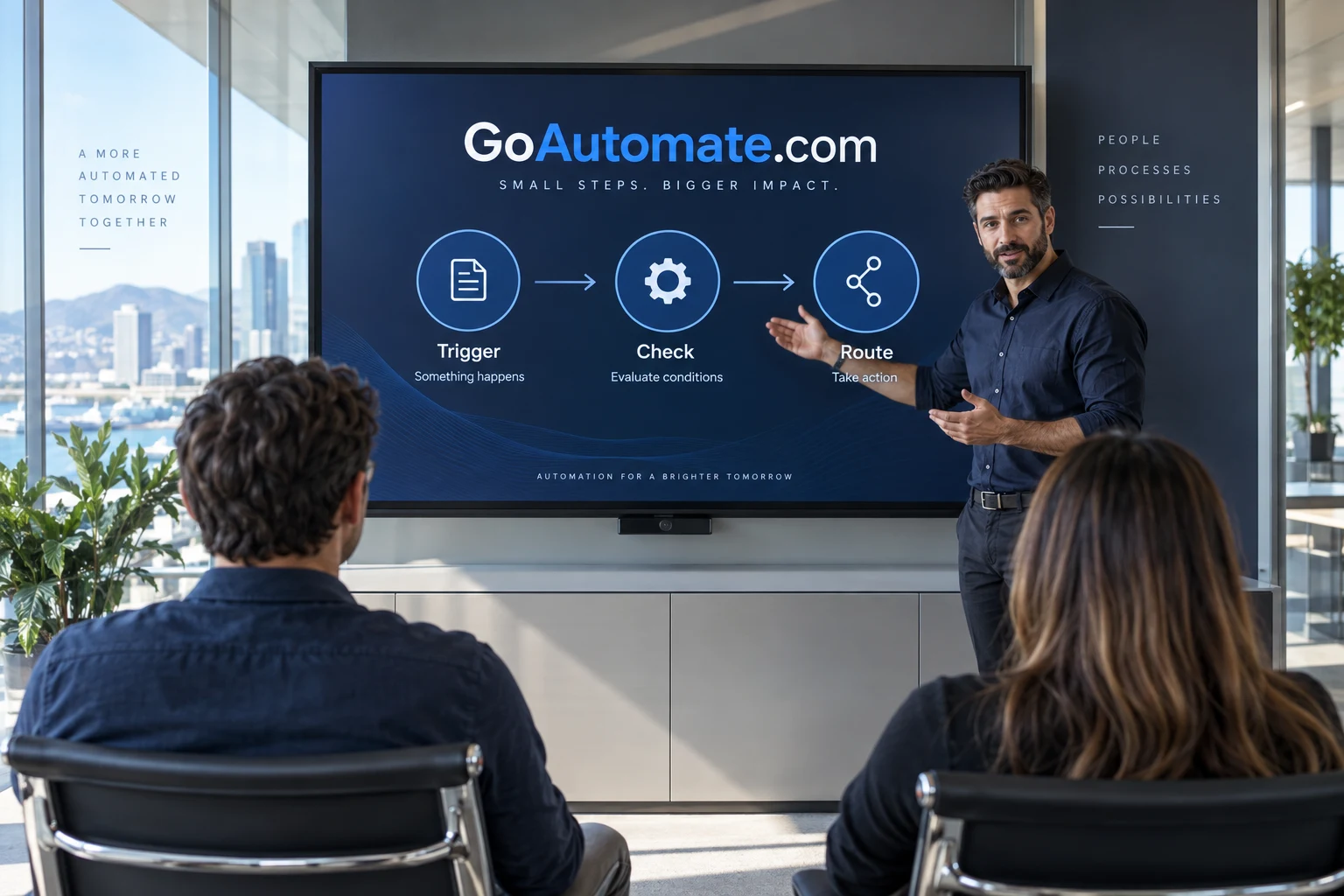
A first workshop could focus on routing a request to the right person. Its promised outcome would be specific: the learner can identify the trigger, inspect the incoming fields, add a condition and explain the next action. Keep a separate list of prerequisites, including account access and any permission needed from an employer. The workshop should not depend on learners improvising access to real business systems during class.
Use a sandbox that can fail safely
Prepare a small fictional dataset with ordinary requests, missing categories and repeated submissions. Give every learner the same starting records and a place to inspect results. The environment should allow mistakes without contacting real customers or changing operational records. A learner needs room to ask what happens when a rule is wrong, rather than worry that a test will create a live problem.
The instructor can begin with a manual trigger so the class controls when the workflow runs. Microsoft's trigger overview describes manual, scheduled and event-based options. The lesson can use that distinction to ask a practical question: when should this process begin? Learners can then explain the choice before configuring it in whichever tool the workshop actually teaches.
Teach the explanation alongside the clicks
An illustrative session starts with a request for access to a shared project folder. The learner checks the requested project, routes an unfamiliar project to a review queue and prepares a message for a named approver. After the first successful run, the instructor changes the input. A missing project name should reveal whether the learner understands the condition or merely remembers where the button was.
Ask participants to narrate the flow in plain language. What event starts it? Which information does the decision use? What would happen if that information arrived twice? Where would someone look for an unfinished request? Those explanations make a useful assessment because they reveal assumptions that a screenshot of a completed exercise can hide.
Make human review an ordinary part of the lesson
Automation training can easily imply that every manual step is a defect. A better exercise includes a judgment that remains with a person. The learner can automate preparation and routing while preserving the approval itself. Microsoft's approval tutorial offers a concrete reference for a flow that pauses for a decision. The workshop can discuss that pattern without promising that every learner's organization uses the same platform.
Give the approval a meaningful rejection route. If an approver declines the request, the next action should reflect that decision. Add an unanswered case as well: the learner should know where the item remains and who is responsible for it. These exercises introduce operational responsibility early, before a learner is tempted to connect a more consequential workflow to real systems.
Package the offer around practice and feedback
The initial commercial product could be a live workshop with a small class, exercise files and a follow-up review session. A team version could add a planning session with the employer to choose relevant fictional scenarios. Keep the assessment transparent. If the training business issues its own completion record, describe exactly what the learner did; do not imply an official vendor certification or external accreditation.
Support can be structured around questions about the exercises rather than unlimited implementation consulting. A learner who wants to deploy a business process may need a separate project, employer approval or a specialist review. Explain those boundaries before enrollment. This keeps the course useful while making the instructor's responsibilities manageable and understandable to the buyer.
Find the first class through an existing team
An employer-funded pilot is a credible way to test the concept. Work with one operations manager who can recruit a small group and describe a recurring request they all recognize. Agree what feedback the pilot will collect: where learners became confused, whether they could explain the completed workflow and which parts they could repeat independently. Avoid using attendance alone as proof that the training worked.
After the pilot, revise the exercise where learners struggled and publish a sample lesson using the same fictional material. A prospective buyer should be able to see the teaching approach before committing a team. Partnerships with professional communities may follow, but the first distribution asset is a lesson that clearly solves a learner's problem.
Start with one teachable workflow
The next step is to outline a workshop on routing incoming requests, then ask a few target learners to work through its first exercise. Watch where they need an explanation. Reduce unnecessary setup and make the failure cases easier to inspect. Expand the course only when the initial lesson is understandable and the support commitment is clear.
For an education business built around practical action, GoAutomate.com offers a fitting name for the invitation to begin. The domain is available to acquire, with any course business developed separately by its future owner. Send a domain inquiry describing the audience and learning format you have in mind.